Ethnicity Guesser ChatGPT: Comparing Claude and Grok
A careful comparison of image input, uncertainty, privacy, and what a photo can never prove.

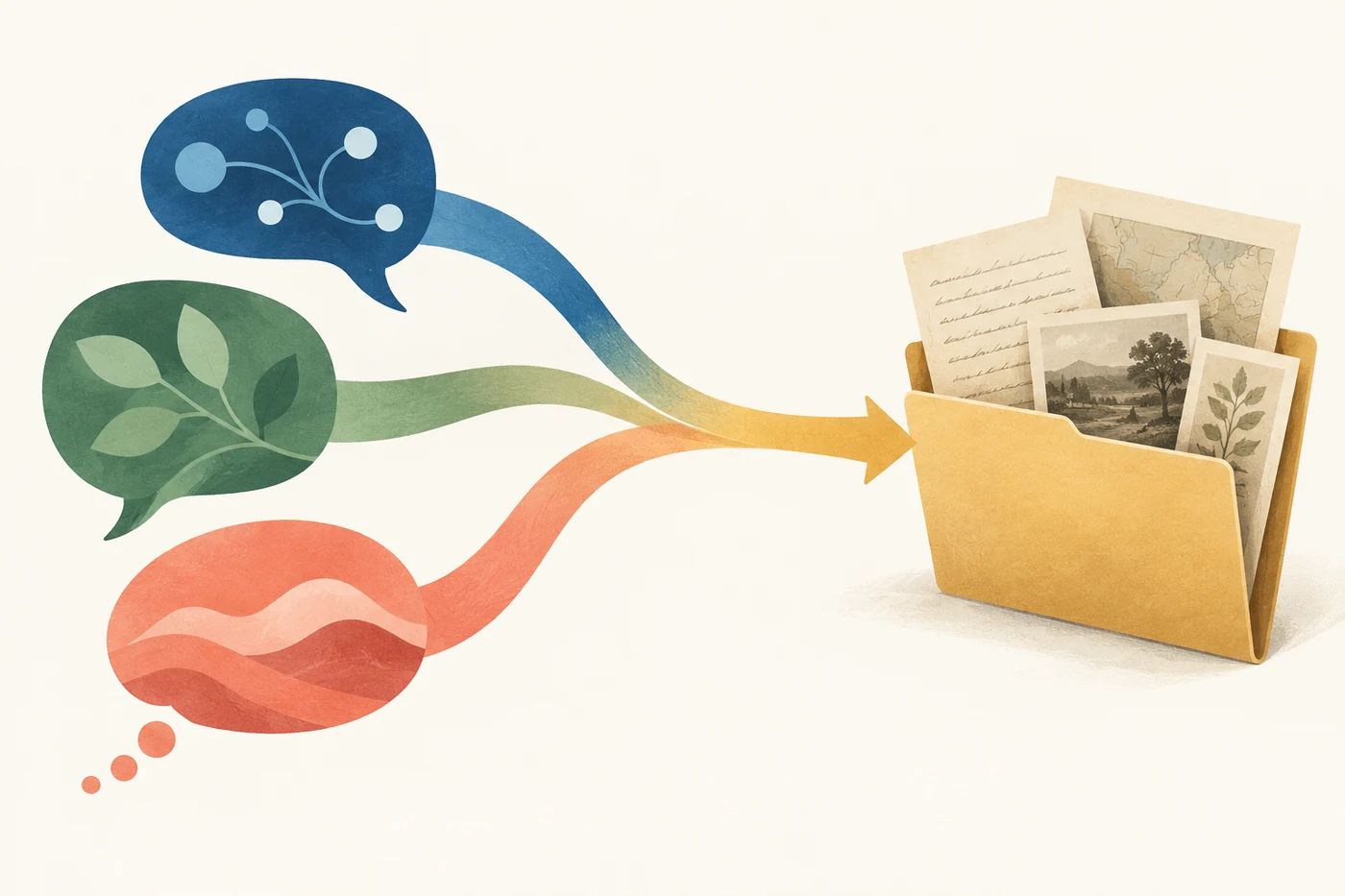
People searching for an ethnicity guesser ChatGPT result may want a photo label, a comparison with Claude or Grok, or help understanding their family background. Those are different tasks. ChatGPT, Claude, and Grok document ways to work with images, but image input does not establish a person's ethnicity. This guide compares their documented image workflows and gives you a fair way to review an answer without treating any model as an identity test.
What an ethnicity guesser ChatGPT search can mean
The phrase can describe at least three experiences: asking a general assistant a question about a photo, using a dedicated site that accepts an image and returns a preset result, or researching ancestry with records and relatives. The interface, data sent, and expected output differ. The comparison should explain those differences rather than imply that one model can read identity from a face.
A general assistant can help explain terms, organize questions, or summarize records you provide. A dedicated photo tool can make one demonstration more consistent by presenting the same steps and limitations each time. Neither kind of visual output proves ancestry, culture, nationality, or self-identification. Those conclusions need evidence that a photograph alone cannot supply.
The useful comparison
Compare how clearly each assistant explains uncertainty and image handling. Do not score it by whether it returns a confident ethnic category.
What the image-input documents establish for ChatGPT, Claude, and Grok
The official pages reviewed for this article document image input in each product family, but they describe different interfaces. OpenAI's Help Center explains ChatGPT image inputs and says availability can depend on plan limits and account settings. Anthropic documents image submission through claude.ai, its Console playground, and API requests. xAI says some models accept image input and describes the request format.
Those documents establish that image workflows exist; they do not show that every consumer account has the same controls, that each model handles every image identically, or that any model can infer ethnicity accurately. Product interfaces and plan availability can change, so verify the settings shown in your own account before you share a file.
| Assistant | What the official source documents | What it does not establish |
|---|---|---|
| ChatGPT | Image inputs in ChatGPT; plan limits and account settings may matter. | That an image can reveal ethnicity or that every account has identical access. |
| Claude | Image input through claude.ai, the Console playground, and API requests. | That a vision feature can validate ancestry or determine personal identity. |
| Grok | Image input for some models and an API request pattern. | That all Grok models or consumer experiences behave alike or provide accurate identity labels. |
| Dedicated photo tool | A repeatable input and result presentation on one site. | That a preset result is independently validated or more accurate than a general assistant. |
Keep the evidence boundary clear
Image support is a product capability. Accuracy about a sensitive identity claim is a separate question, and the cited product documents do not answer it.
Ethnicity Guesser ChatGPT: A Fair Comparison Method
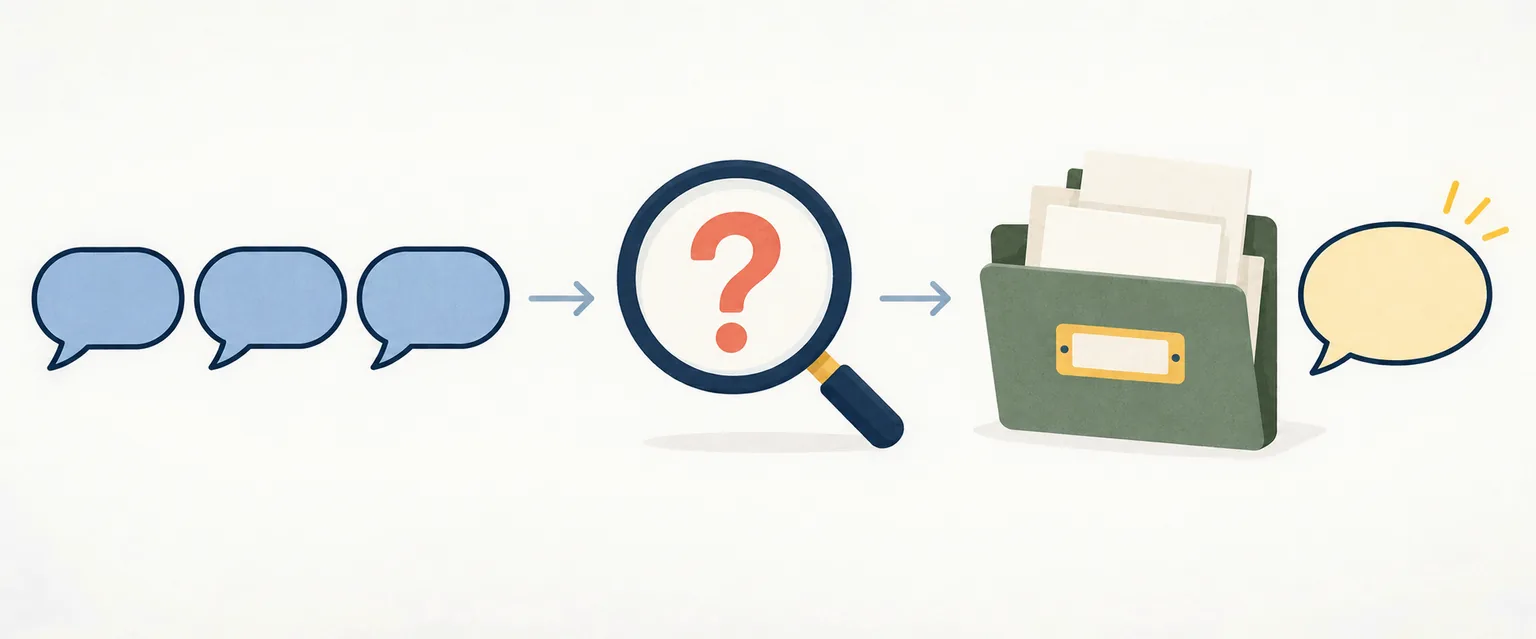
A useful comparison tests response quality and boundaries, not which system is most willing to guess. Keep the question and conditions consistent, and decide in advance what counts as a responsible answer. If an assistant declines to assign a sensitive identity from appearance, that is not a failed test; it may be the most accurate statement about what a photo can establish.
You can compare explanations without asking a model to label a real person. Use a neutral question about what a photo can and cannot show, then review whether the answer distinguishes visible description from ancestry, avoids invented certainty, and tells you how image data is handled. If you decide to use a personal image, use only one you have the right to share and check the service's current settings first.
- Choose one question. For example: “Can a photograph establish someone's ethnicity? Explain the limits without guessing a category.”
- Keep conditions comparable. Use the same wording and, if image input is necessary, the same consented image. Do not compare a text-only answer with an image answer as though the inputs matched.
- Review the reasoning boundary. Notice whether the response separates what is visible from family history, culture, nationality, and self-identification.
- Record uncertainty and controls. Check for clear caveats, account-specific image settings, retention information, and a way to remove or avoid sharing the photo.
Ethnicity Guesser ChatGPT: What a Dedicated Tool Can Improve
A dedicated tool may provide a more predictable experience for a narrow demonstration: the upload steps, response layout, and explanation can be the same each time. That is a workflow difference, not evidence of better identity inference. A polished result card or precise-looking score can still be speculative, especially when the subject is a complex social and personal category.
If you try an ethnicity photo demo, treat it as entertainment or a prompt to learn about the limits of visual classification. Do not use its output to describe someone else, make a decision, or settle a family-history question. A responsible page should tell you what the output means, what it does not mean, and where to go for better evidence.
- A consistent interface can make steps easier to compare.
- A standard result format does not validate the underlying claim.
- A disclaimer cannot turn a visual guess into ancestry evidence.
Privacy checks before sharing a photo
A face image can be personal even when the question feels casual. Before uploading, read the current product privacy information and controls for image use, chat history, and model improvement. Details differ between consumer apps and APIs and can change, so check the settings on your own account.
Avoid uploading another person's image without permission, a child's photo, an identification document, or a private family image just to get a speculative label. A photo may contain names, locations, other people, or background details you did not intend to share. If the image is not necessary to answer a safer question, leave it out.
- Use an image only when you have permission to share it.
- Review the current privacy and data-control settings in the exact service you plan to use.
- Check whether the product stores image or conversation history and how you can delete it.
- Prefer a text-only question about definitions or research steps when a photo adds no reliable evidence.
A practical rule
If you would not share the image with a stranger for a guess, pause before uploading it to an AI service.
Better evidence for family-history questions
If you mean “Where did my family come from?” begin with people and records connected to your family, not a face. Ask relatives about names, places, languages, migration, and community ties. Write down who supplied each detail and which parts are memories, documents, or still uncertain. This creates a research trail you can check instead of a single answer that sounds certain.
Civil records, family documents, local histories, and carefully interpreted genetic results answer different questions. A DNA estimate compares sampled DNA with reference populations; it is not a complete description of culture or identity. Records can contain gaps or conflicting spellings, and people can identify with more than one community. Preserve that complexity instead of forcing every clue into one label.
- Start with a person and place. Choose one relative, town, or migration event instead of researching an entire family at once.
- Collect and label sources. Keep copies or citations for records, and distinguish a document from a family story or an unverified assumption.
- Check names in context. Look for language variants, border changes, adoption, and record-keeping practices before treating a surname as proof.
- Keep identity personal. Use historical evidence to understand family connections, while leaving self-identification to the people involved.
A comparison can be useful without ranking ethnicity guesses
ChatGPT, Claude, and Grok each document image workflows, but that does not make any of them an authority on ethnicity. The useful comparison is whether an assistant explains its limits, gives clear privacy context, and helps you choose a better next step.
A dedicated tool can standardize a demonstration, not prove who someone is. For ancestry questions, use records, relatives, community context, and carefully interpreted genetic evidence. A photo-based answer is a generated response, not a fact about identity.
Frequently Asked Questions
Official documentation
- OpenAI Help Center, ChatGPT Image Inputs FAQ. Read the source
- Anthropic documentation, Vision. Read the source
- xAI documentation, Image Understanding. Read the source